
Atomic Gear
|সাবস্ক্রাইবার
শর্টস
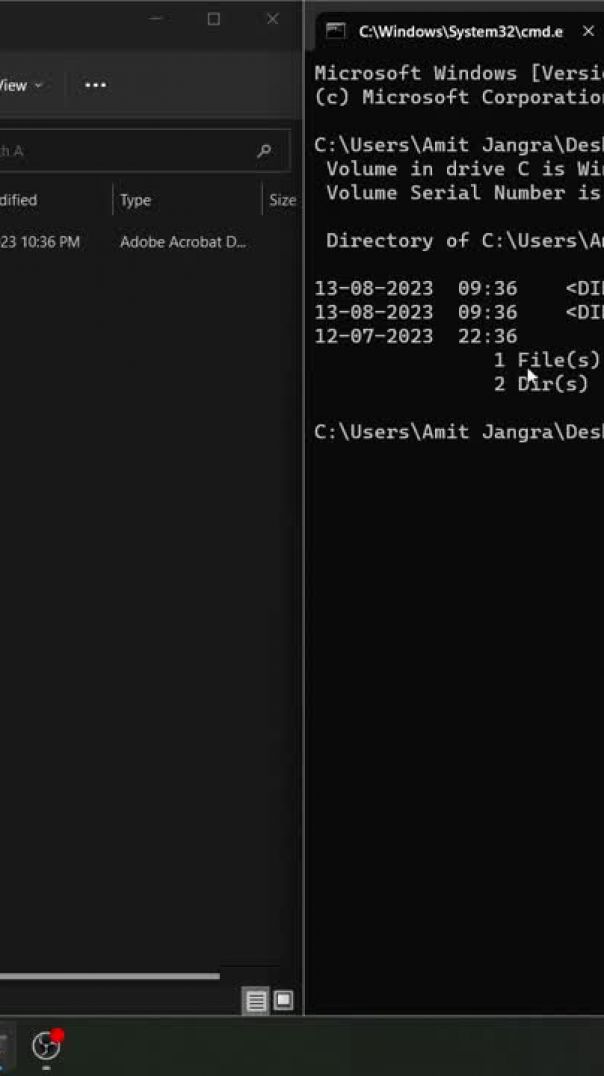
To go back or moving up in folder use the following command:
cd..
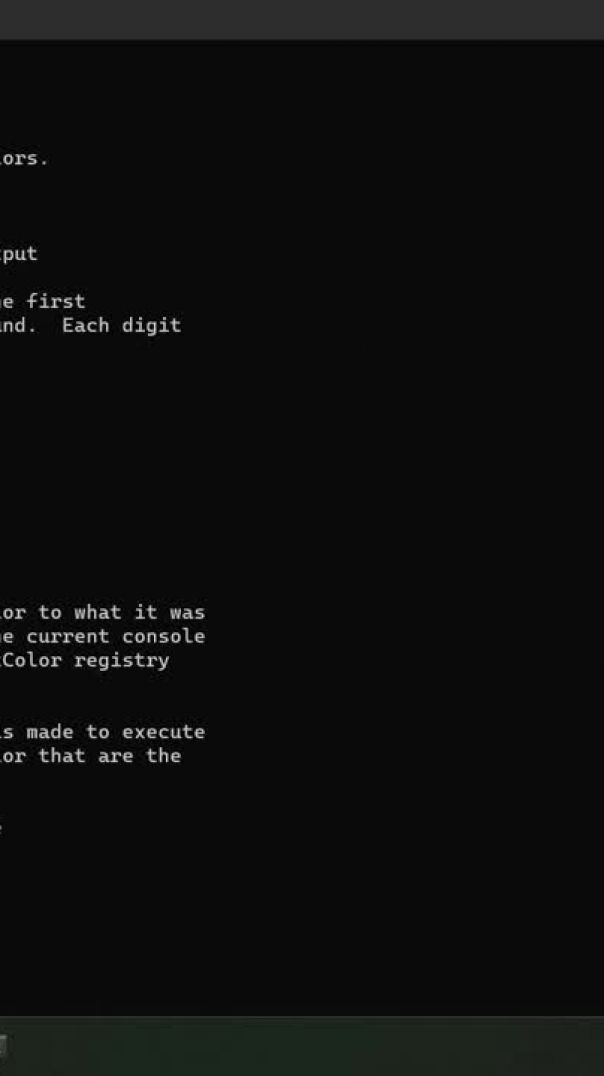
By default, CMD has white color text but with the help of "color" command one can change color.
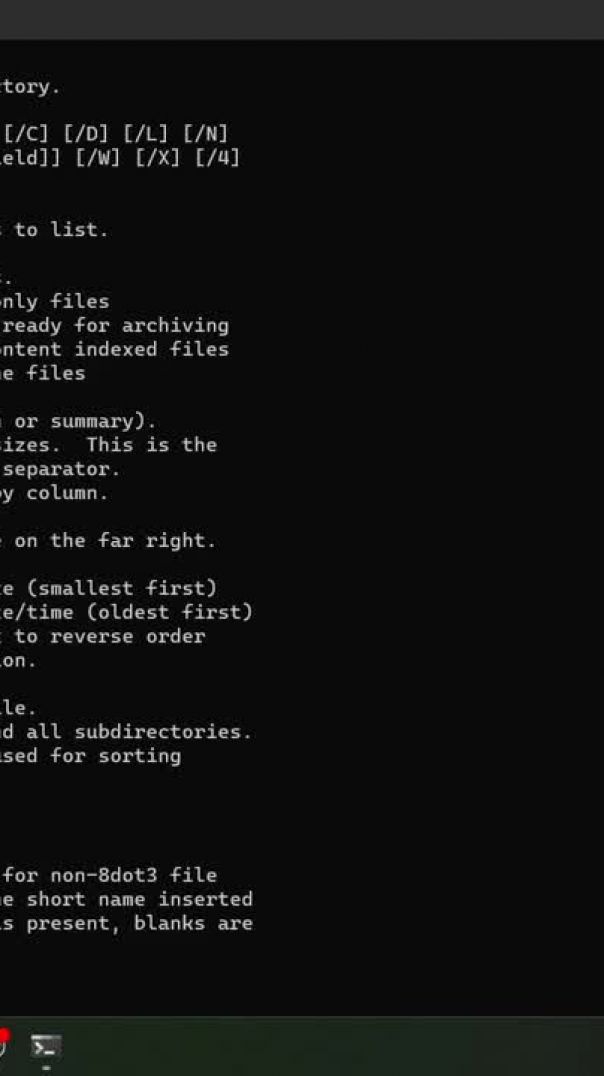
if you want to know about any cmd command that what is the use of that command an how to use it. just type:
help CommandName

to find the current version of OS installed on your desktop use the command:
ver
to show date and time without prompting a new one followind attributes shoudl be used
for date : date /t
for time: time/t

Change Date and Time Format using CMD. Use following Commands
date
time
When CMD screen is full and you want to clean it for a fresh start use this command:
cls
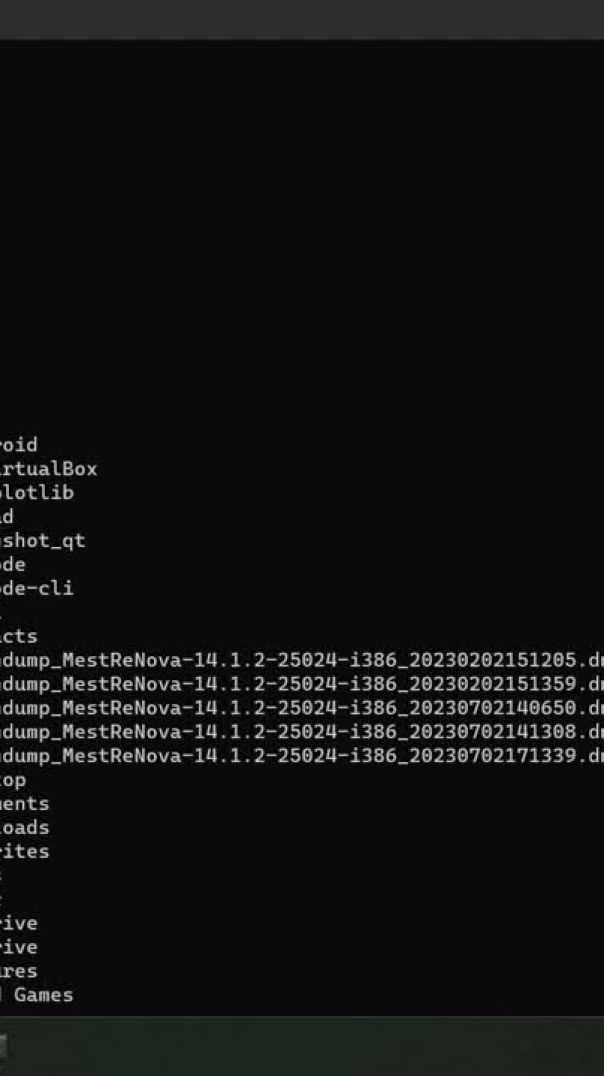
To use this command type:
dir /X
if no file name is present then it will be kept blank
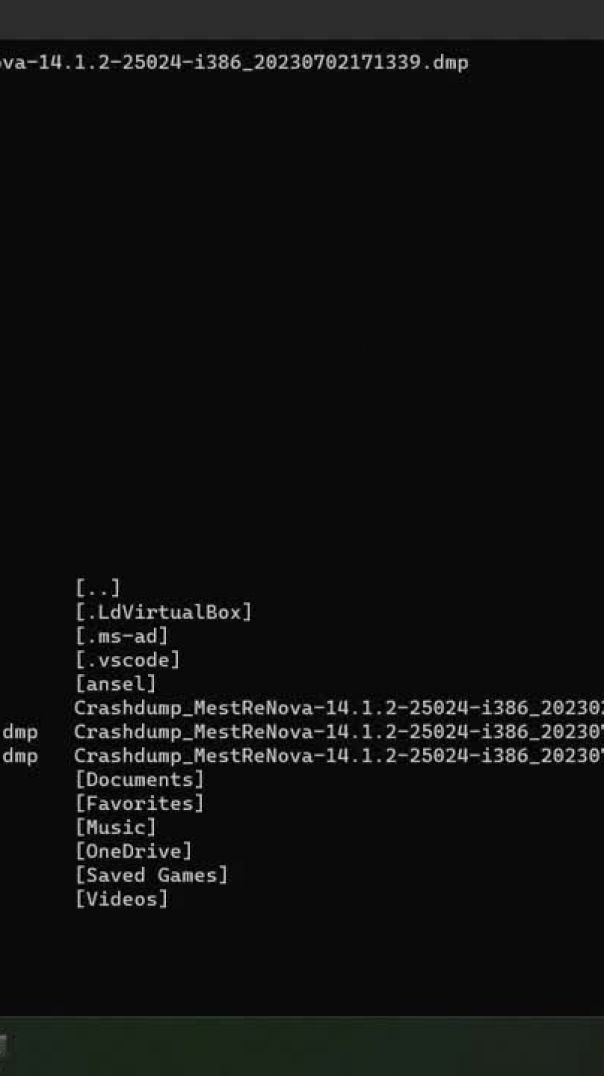
to use the wide format use:
dir /w
to use the command for sorting according to different time use commands:
dir /TC
dir /TA
dir /TW
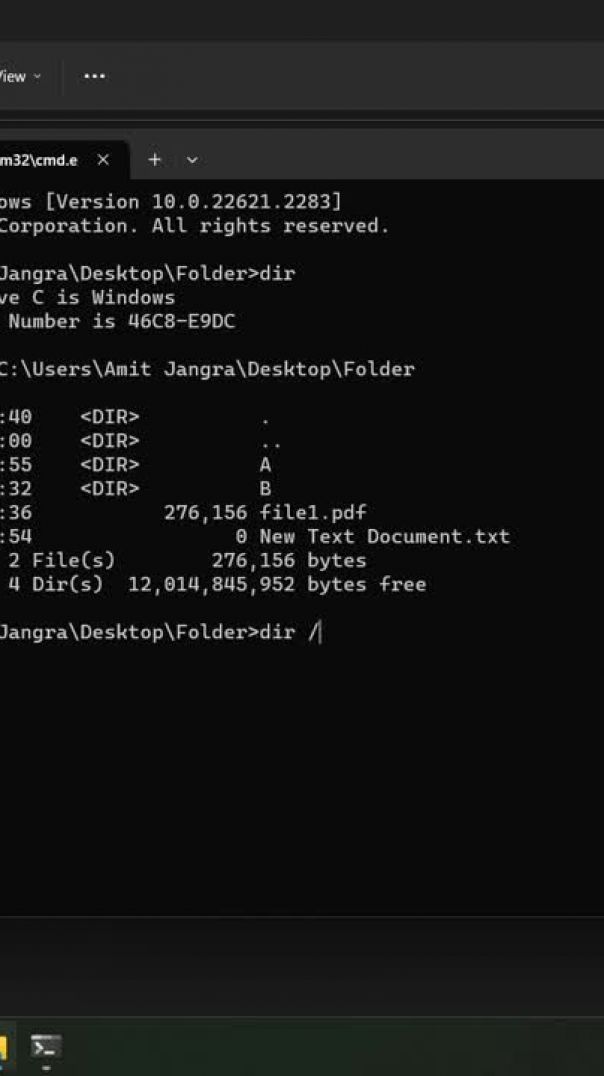
to show the specific location of files in directories use following command:
dir /S
to use this command type:
DIR /R
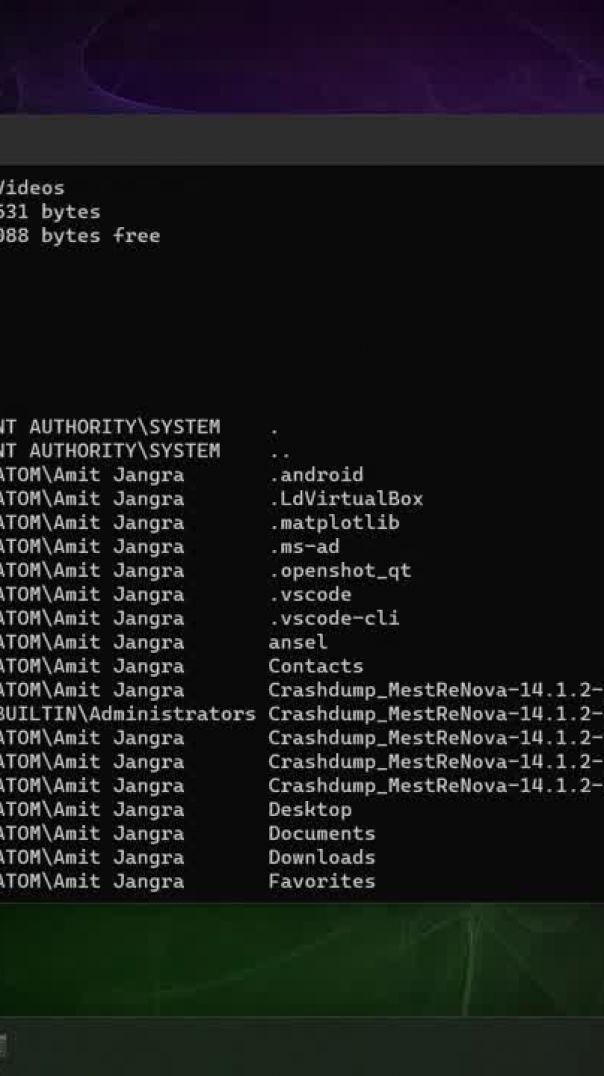
to show onwer details use command:
dir /Q
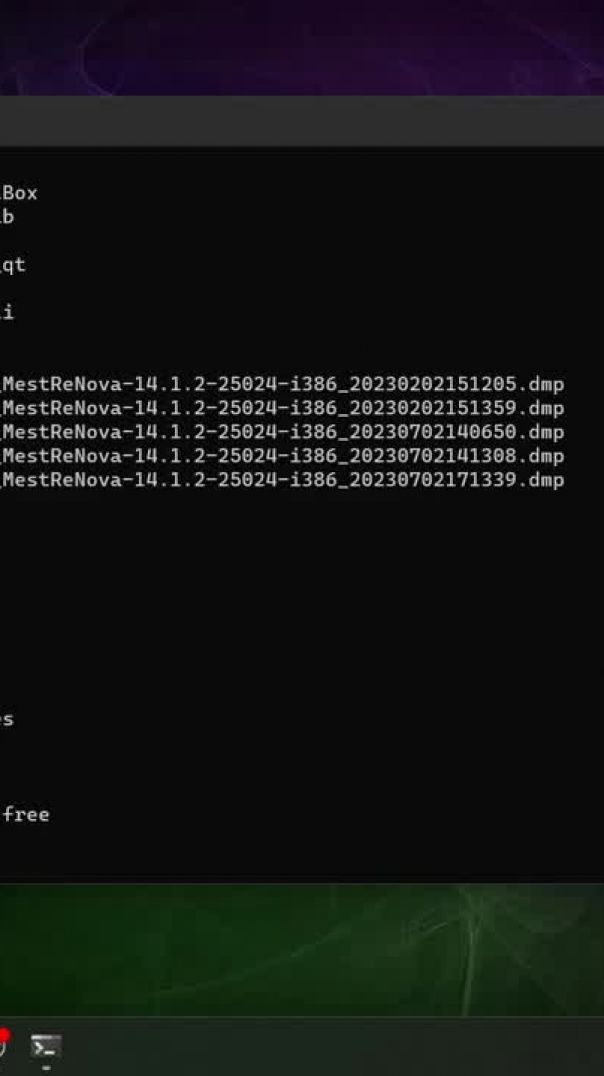
when showing the list if screen is full then prompt will wait for "to continua press any key". To use such feature use command:
dir /p
Arrange the order of Files and Folder in sorted way like alphabetically, size, date etc.
cmd:
dir /o
after O a particular letter according to requirement will be placed
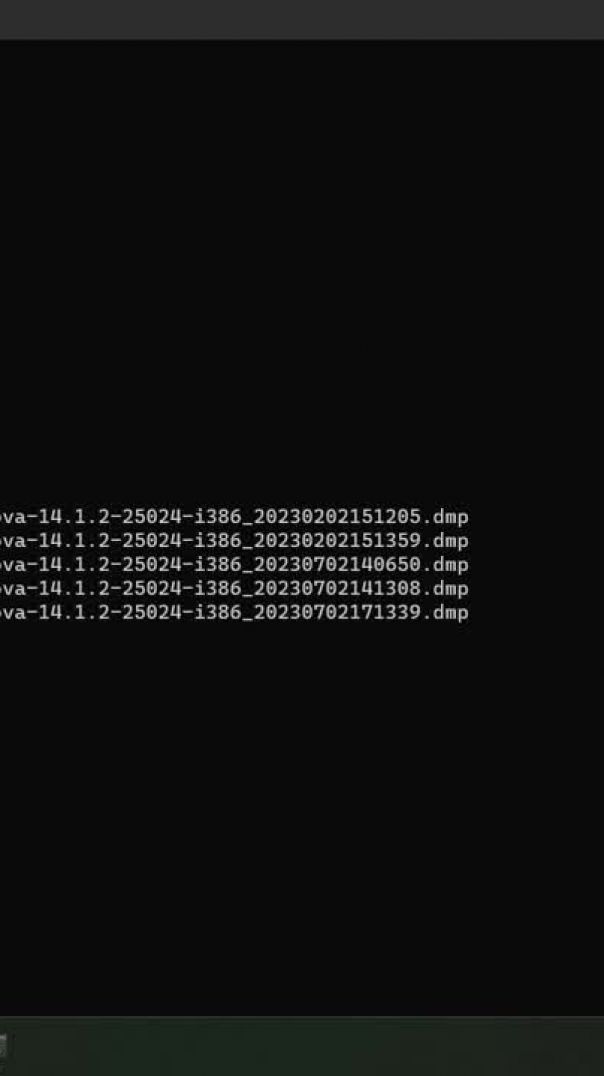
Although you may find the arrangement to the right whic corresponds to the cmd:
dir /n
to move the files/folders list to the left use hyphen in this command
dir /-n
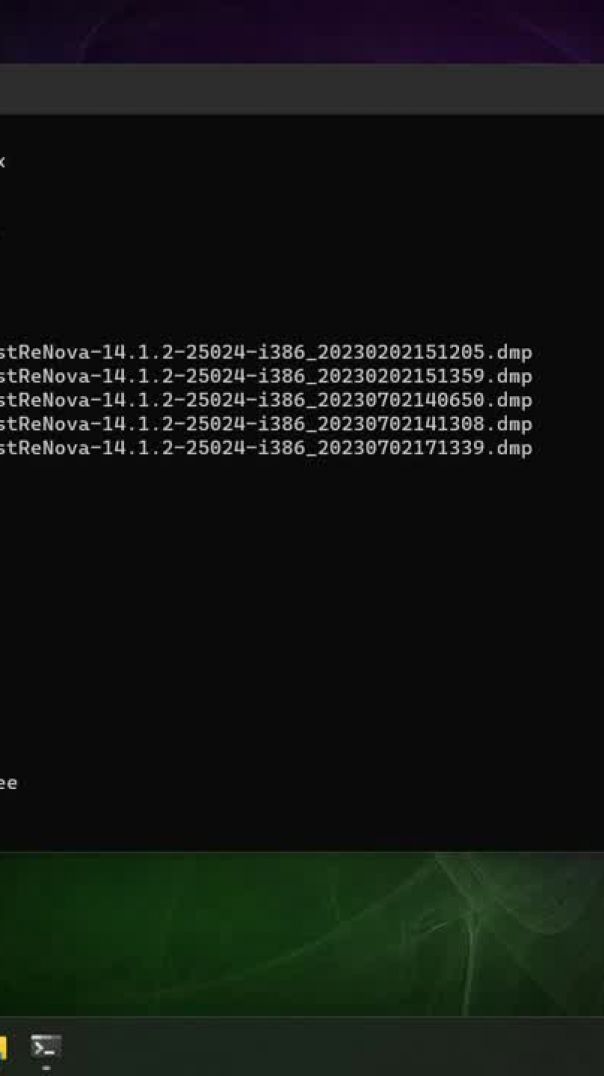
to make list with lowercase use:
dir /l
to short the data in different column use the following command:
dir /d
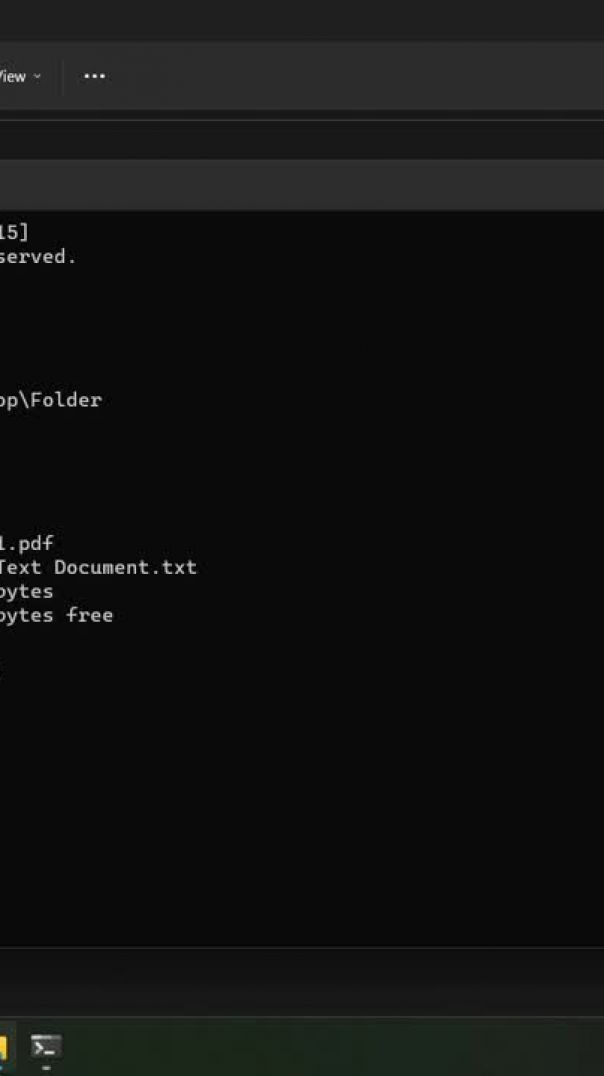
In a number we have comma separator by default after every 3 digits. we can remove that by using command:
dir /-c
removes the typical header and footer information, as well as all the
details on each item, leaving only the directory name or file name and
extension
command: dir /b